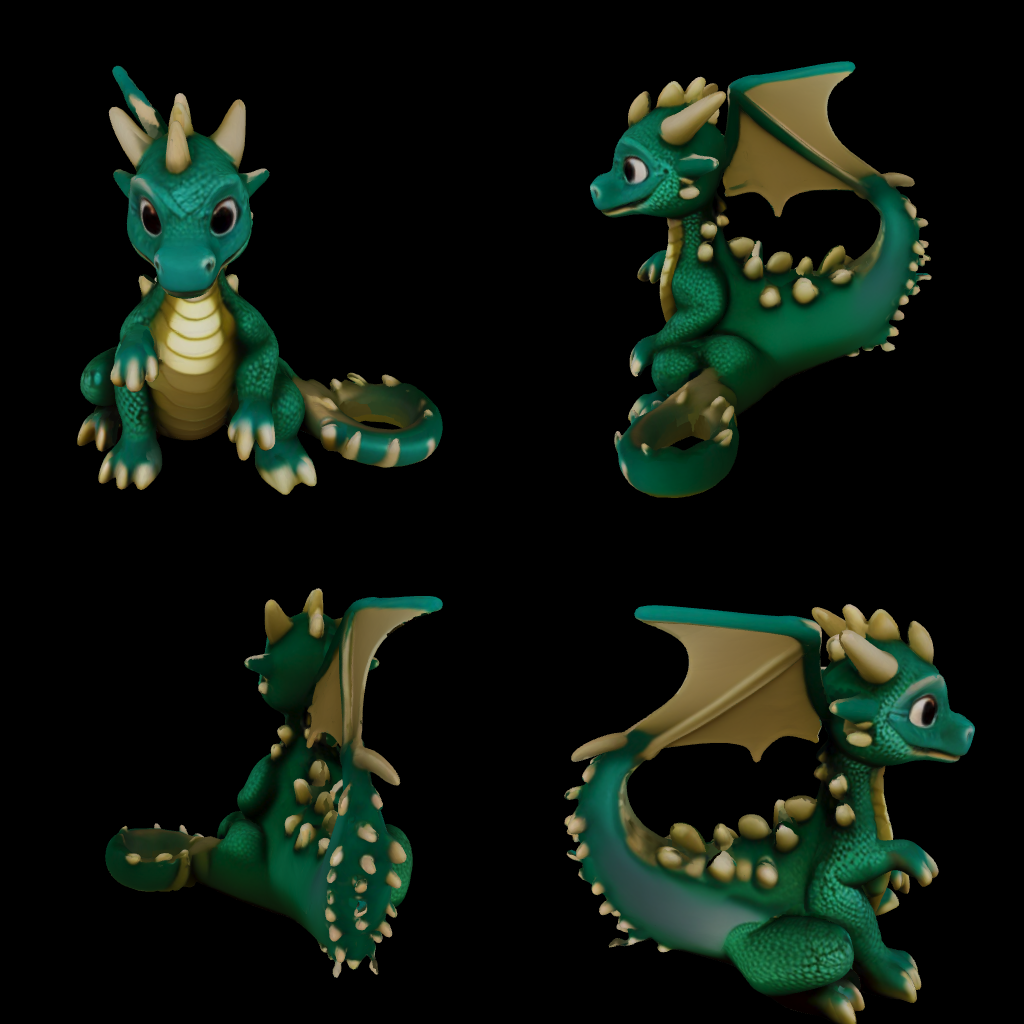
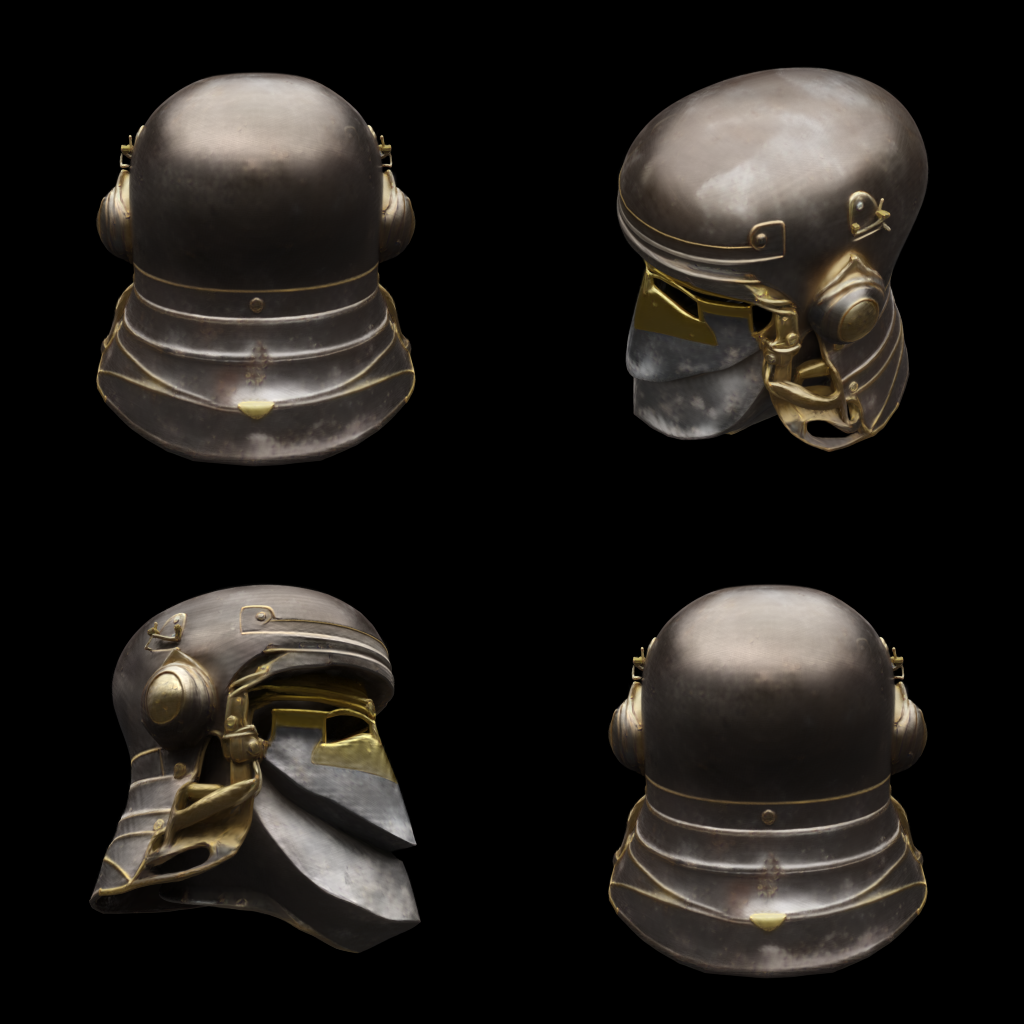
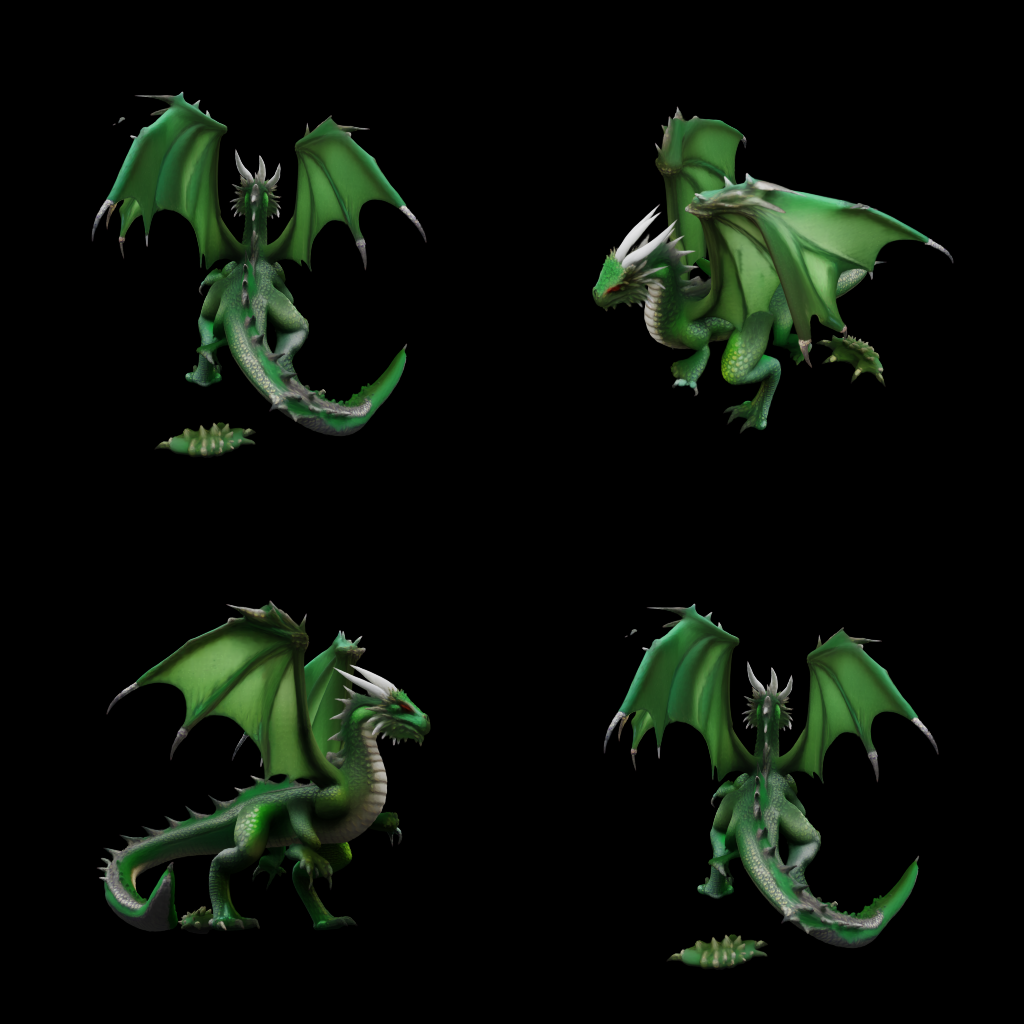
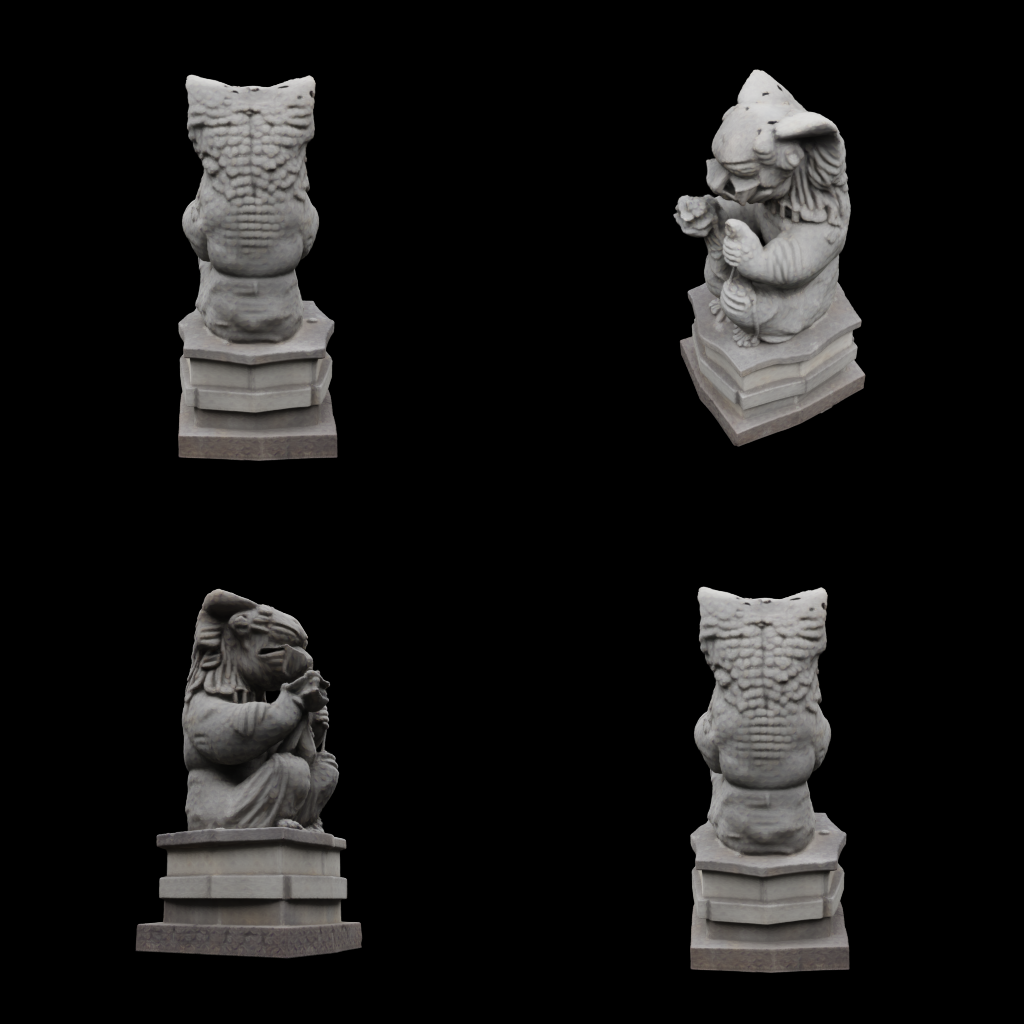
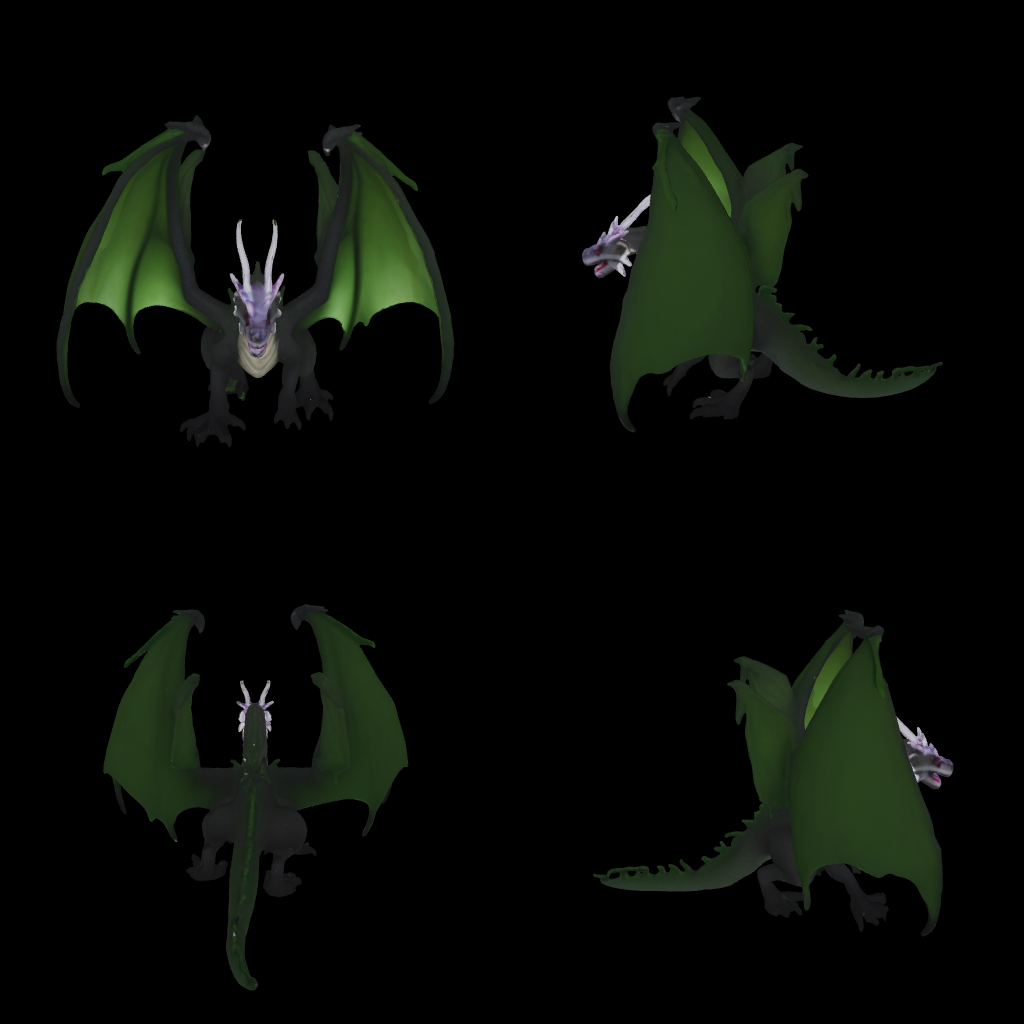
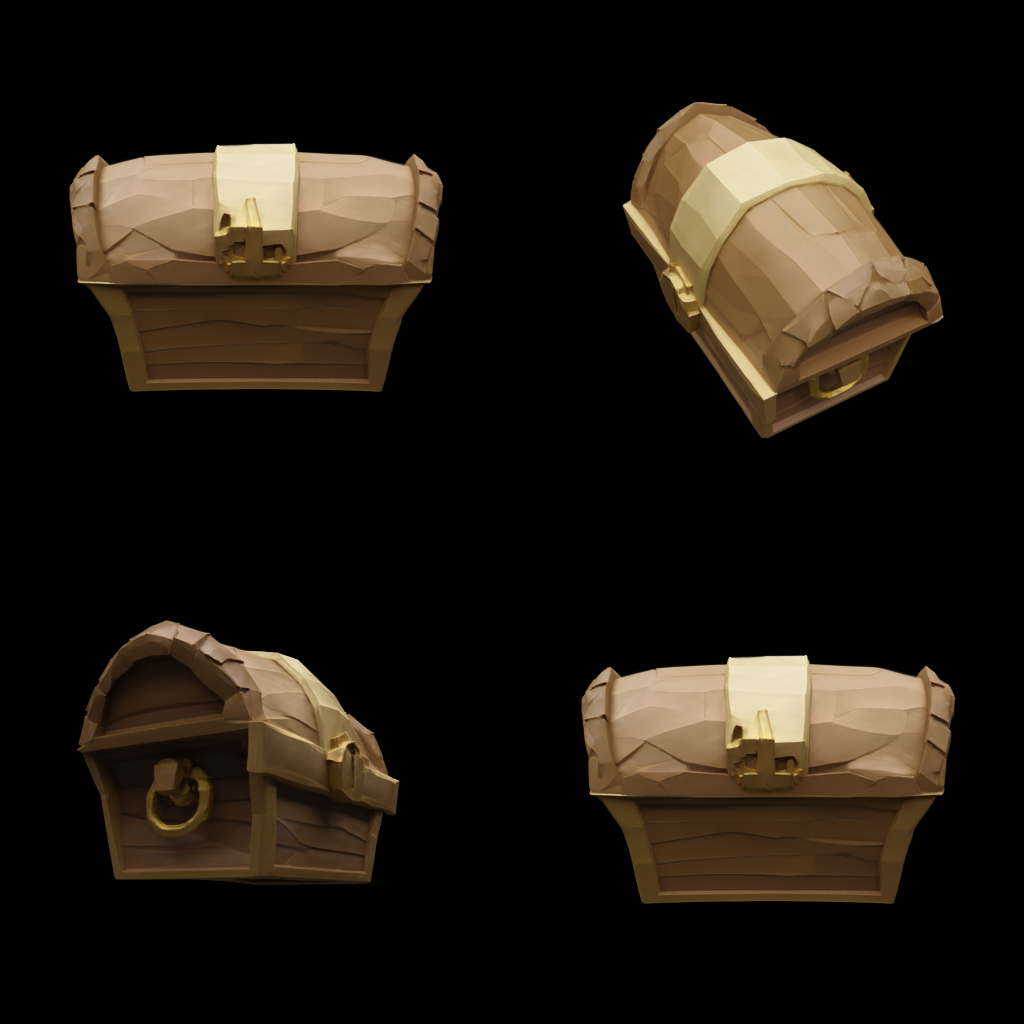
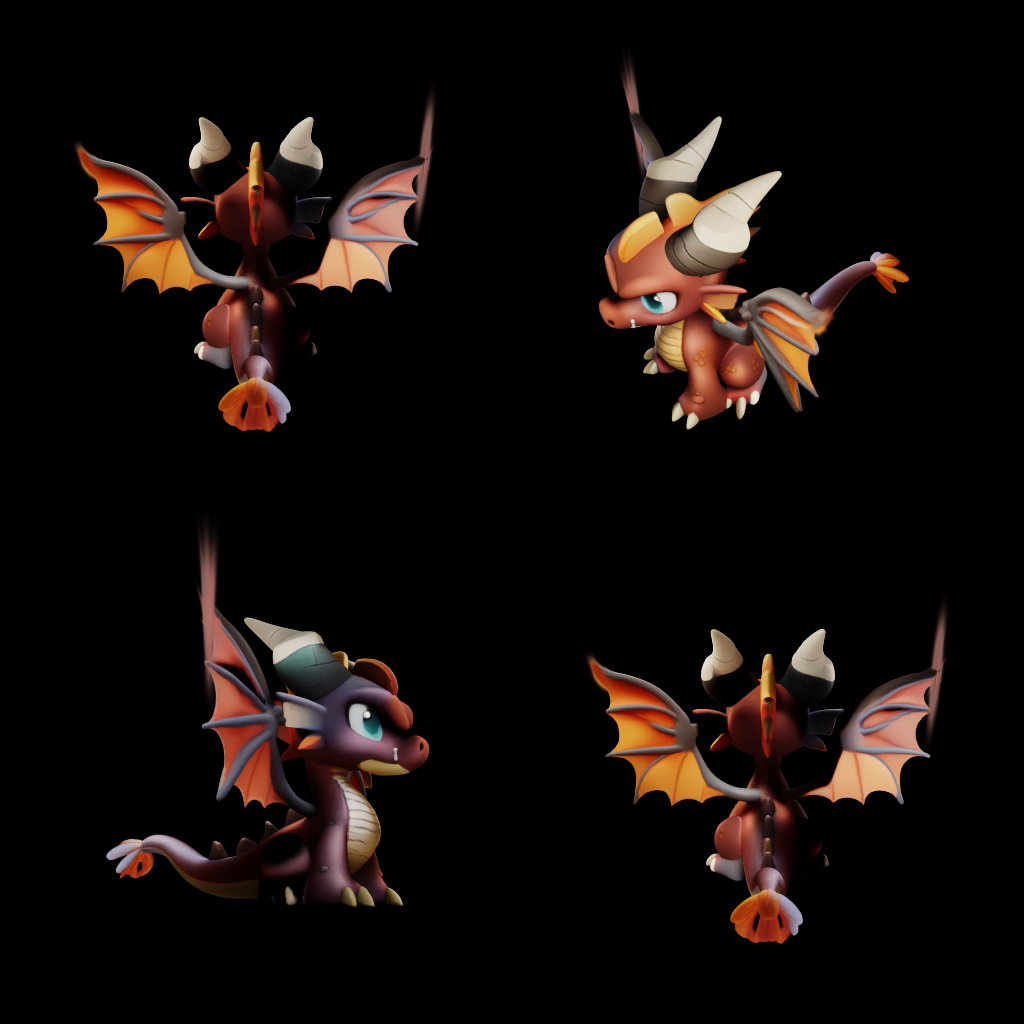
Describe it, get a 3D model
Meshsmith turns a text prompt or a photo into a textured 3D model you can download as GLB.
Free: one untextured draft from text, no sign-up. About 1–2 minutes. Have a photo? Upload it in the studio.
How text to 3D works
1. Describe or upload
Type a prompt for the object you want, or upload a photo, sketch or product shot. Text to 3D and image to 3D use the same studio.
2. We generate
The AI 3D model generator builds the mesh and paints its textures. Most models are ready in a few minutes; a free draft is faster.
3. Download GLB
Get one GLB file with mesh and textures bundled. It opens in Blender, Unity, Godot, three.js and most AR viewers.
What people make with Meshsmith
Meshsmith is for anyone who needs a 3D object quickly and doesn't want to model it by hand. Start with a free draft to check the shape, then spend credits on a textured final you can ship.
Game assets
Props, creatures and set dressing for prototypes and indie games. Every model exports as a GLB that drops straight into Unity, Godot or Unreal.
3D printing previews
Describe a figurine or a simple part, then convert the GLB to STL in Blender and check the walls before you slice it.
AR and product mockups
Upload a product photo and get a model shoppers can spin on a web page or place in their room with AR.
Prototyping
Test an idea in minutes before you commission or sculpt the final asset, and share it with your team as a real 3D file.
Guides
Text to 3D model generator
Write prompts that produce clean, textured models and learn how draft and final quality differ.
Image to 3D model
Turn a photo into a 3D model: which images work best, and how to use the result for mockups and AR.
Text to GLB
Generate web-ready GLB files from text and load them in three.js, model-viewer or a game engine.
Free draft models to start. Paid plans add textured, high-detail models and commercial use — see pricing.